Decision Day
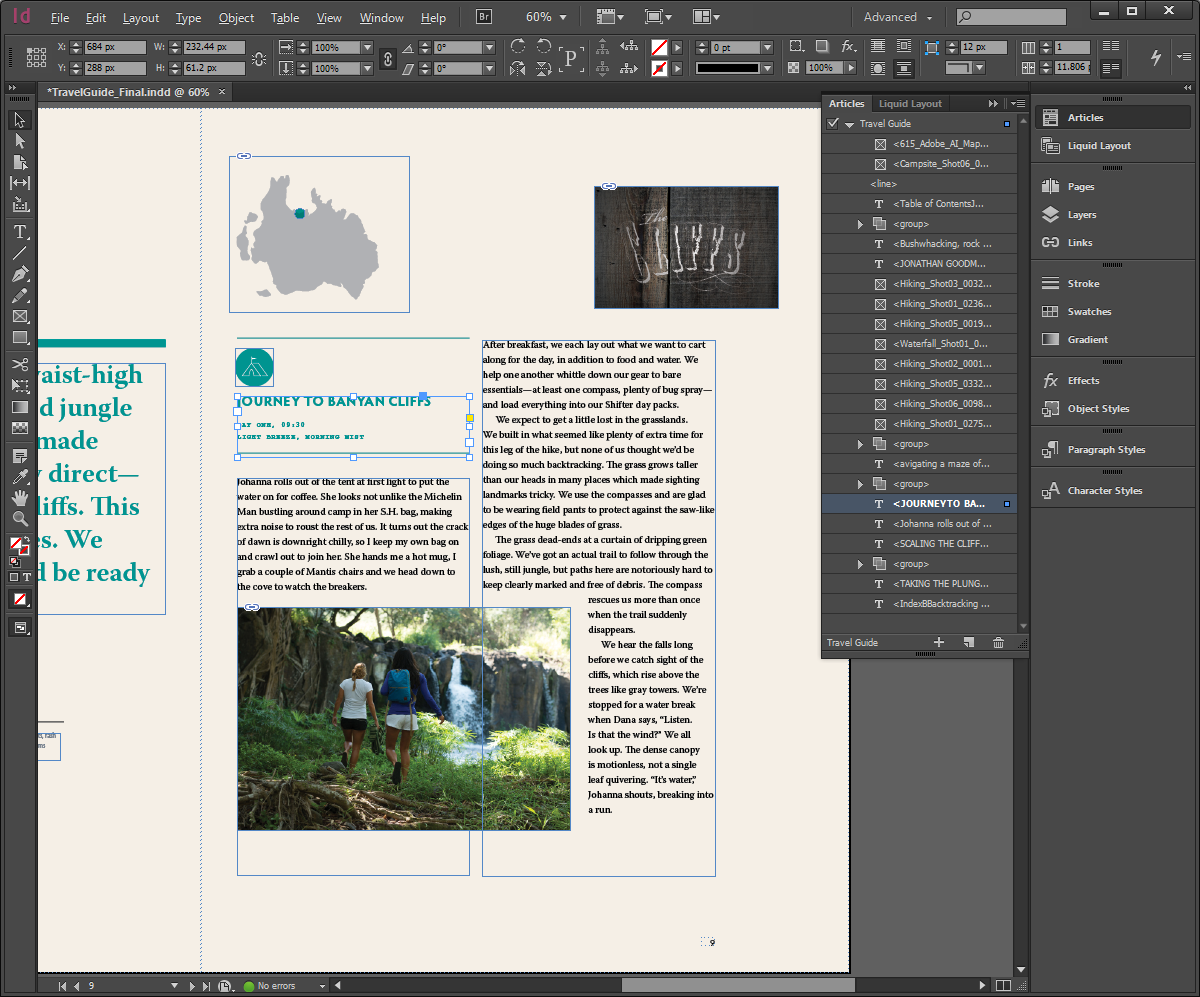
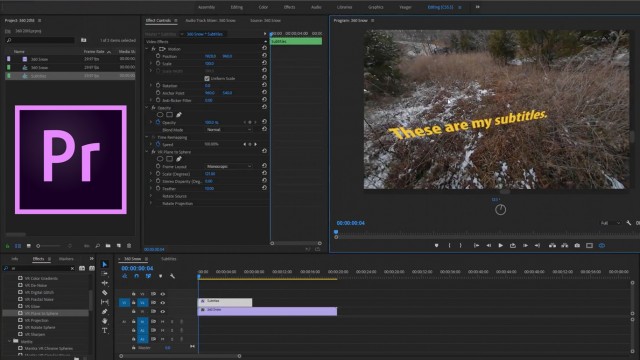
My initial impressions of InDesign and Premier Pro were both much different than I would’ve imagined. Whether its film clips and audio in Premier Pro or pictures and feature articles in InDesign, both editing softwares provide a plethora of choices, options, and styles to create a compelling piece of media. A few of these options include adding titles, changing saturation and color, and adjusting size and shape of videos or images. Many more features are present in their own separate softwares, but both share these few examples.
Telling stories has been a part of the world since the beginning of recorded history, and in the words of Wayne R. Cherry in, “Our Place in the Universe: The Importance of Story and Storytelling in the Classroom”, “Storytelling is a part of who we are as humans.” They have been incorporated into our cultures and societies through many forms, one being media. A component from InDesign that I found useful to help stories through was the ability to adjust the size and framing of the pictures. This allowed me to fit what I needed to into the picture without things being too big, too small, or not fitting. This would come in handy if I chose the magazine for my project and wanted to fit a picture onto the page or wanted to imply more meaning in the picture through size and perspective. Although this tool was useful, it was difficult to navigate at first. Sometimes when you try and fit the images, new lines will form and get in front of the picture and if you click the wrong button, you could stretch it in a weird way or delete it altogether.
A tool I really enjoyed in Premier Pro was the ability to add, edit, adjust, and create audio to go along with the clips. In the editing software, you can either add in an audio you have downloaded to your computer or record your own voiceover and add it into the project. I believe to an extent that film and storytelling is equal parts visionary and auditory, so being able to create/ import and adjust your own audio to go along with the film is extremely important. This could be anything from the sound of someone splashing in a puddle to the noise of a party happening in the house next door. I found this option useful and easy to utilize.
In “Survival of the fittest: four editors on the future of literary magazines”, four women discuss the relevance and popularity of longer articles and literary magazines, specifically why other writers aren’t reading them and their individual opinions. They as well give tips on what they think makes a good literary piece and how to keep afloat as a writer, such as, “I believe that the magazines that adapt and remain creative and that also stick with their ideals will thrive.” (Joey Franklin, Survival of the fittest: four editors on the future of literary magazines) This article and all the ideas of these four brilliant women gives a diverse take on media and how audiences interact with them. It will be a great resource for the future when I begin my project, whether it is a film or a magazine.
In the end, my final decision for the project is the film. One of the main reasons for this was that I found the editing software for the film (Premier Pro) was easier to use than the other (InDesign). According to Wayne R. Cherry in, “Our Place in the Universe: The Importance of Story and Storytelling in the Classroom”, “Technology supports a wealth of storytelling options and can be used to create digital book reviews, digital puppet shows, and even movies with green screen and video-authoring apps.” Although this sounds perfect in theory, if you are unable to use said technological tools, none of these things would be possible, including magazines. I also simply prefer film making over organizing texts and photographs, and I have some experience with editing videos in the past.


Comments
Post a Comment